
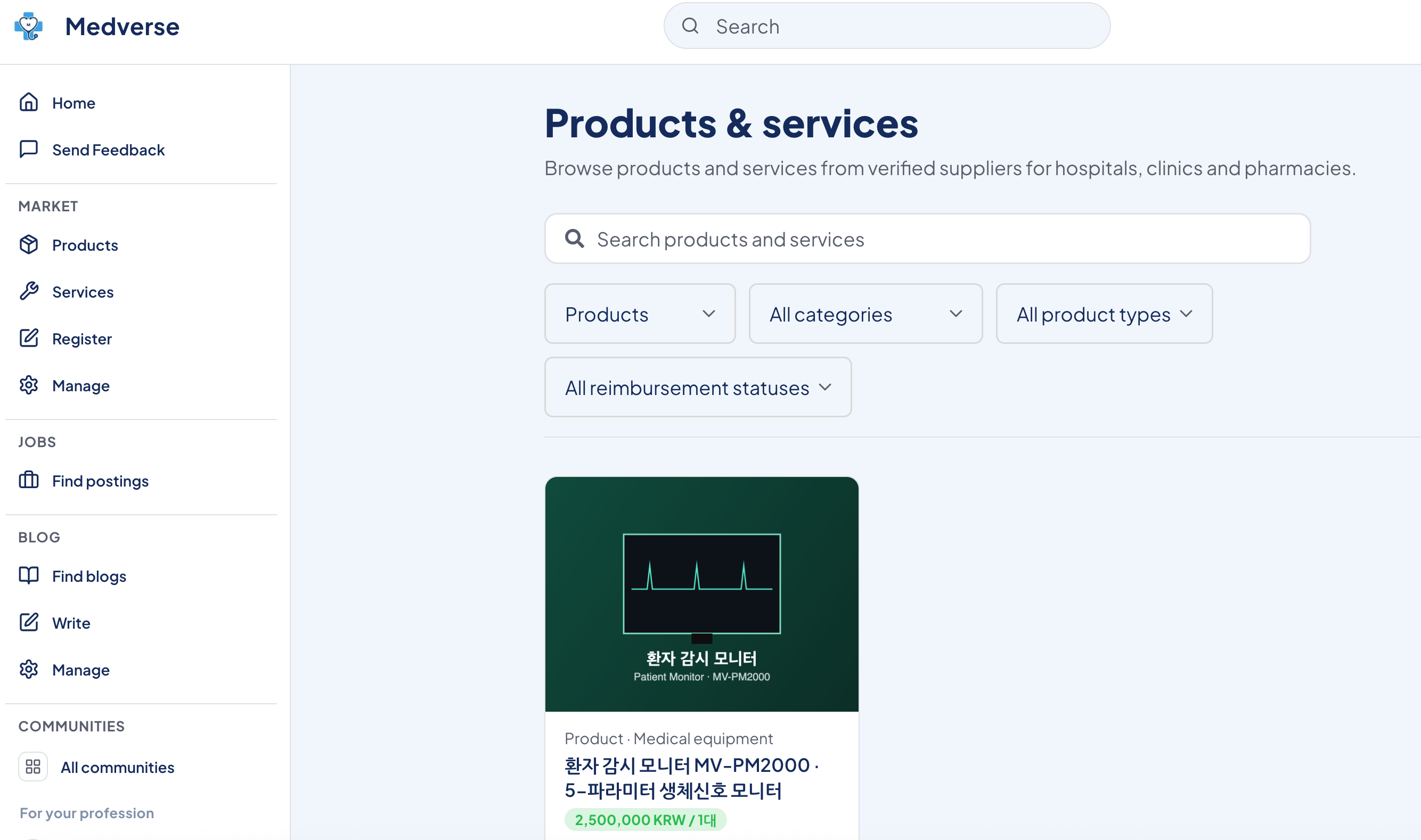
Hi there! Today I'm sharing something really useful for pharmaceutical companies, drug wholesalers, and health supplement companies looking to promote their products to hospitals, clinics, and pharmacies.
You don't need MRs visiting hospitals one by one or spending a fortune on medical conference ads to reach verified healthcare professionals.
There's a smarter way — Medverse!
I'll walk you through exactly how to list pharmaceutical products on Medverse, step by step with screenshots 😊
How Medverse Is Different from Traditional Pharma Marketing
Traditional pharmaceutical sales look like this:
MRs visiting hospitals, attending conferences, running journal ads... It's expensive, time-consuming, and mostly limited to hospitals you already know.
Medverse works differently.
Only verified doctors, pharmacists, and nurses can join Medverse. So when you list a product here, it reaches the people who actually prescribe and dispense medications. When they're interested, they send you an inquiry directly via 1:1 chat — inbound leads, no cold calls.
And right now during our beta phase, listing is completely free!
What Happens After You List?
Your listing doesn't just sit there. Medverse actively promotes it through 4 channels:
📌 Email sent to all members who opted in 📌 Web & mobile app push notifications 📌 Shared to official channels & group chats 📌 Shared in healthcare professional communities
Your product reaches verified doctors and pharmacists directly — without a single sales visit.
How to List Your Pharmaceutical Product — Just 5 Steps
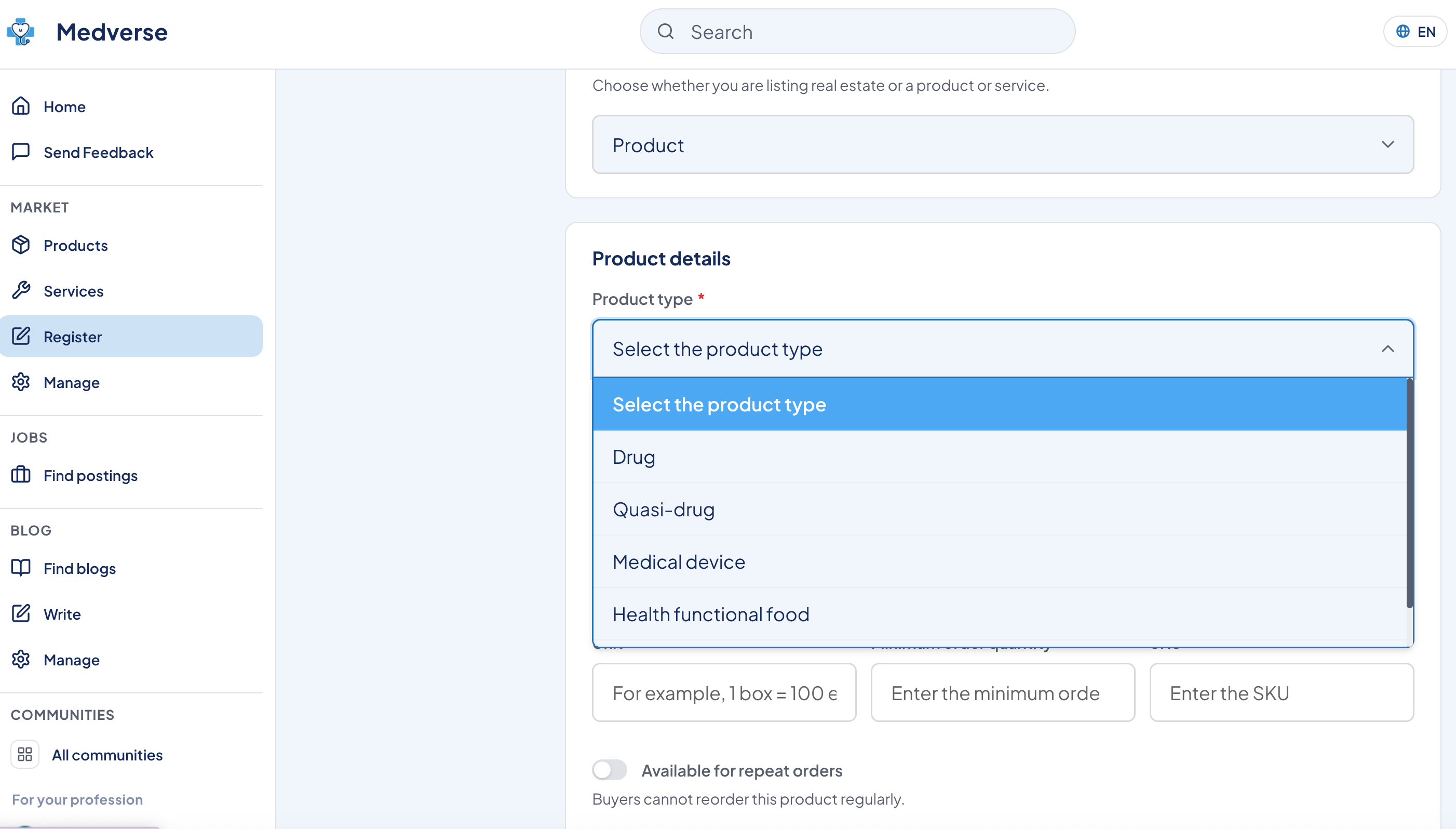
Step 1. Click "Register" in the Left Menu
After logging in, click Register in the left sidebar. You'll land on the Product Registration page.
At the top, you'll see the 4 listing benefits. Below that is the Registration Type dropdown.
Select Product from the dropdown.
💡 Choose from Real Estate, Product, or Service — select Product for pharmaceutical listings!
Step 2. Enter Pharmaceutical Product Information
After selecting Product, the Product Information form appears.
In the Product Type dropdown, select Pharmaceutical. This will reveal pharmaceutical-specific fields.
💡 In South Korea, online retail sales of pharmaceuticals are not permitted. Medverse pharmaceutical listings are for B2B information sharing and inquiry purposes only — not direct retail sales.
Here are the fields you'll fill in:
Manufacturer (required) — Enter the manufacturer's name
Importer — Enter importer's name if this is an imported product
Country of Origin — e.g., KR
GTIN Barcode — 8 to 14 digit number
Drug Classification (required) — Select from dropdown
Drug Standard Code — 13-digit KD code
MFDS Item Number (required) — Product approval or notification number from the Ministry of Food and Drug Safety
Narcotic / Psychotropic Drug — Toggle on if applicable
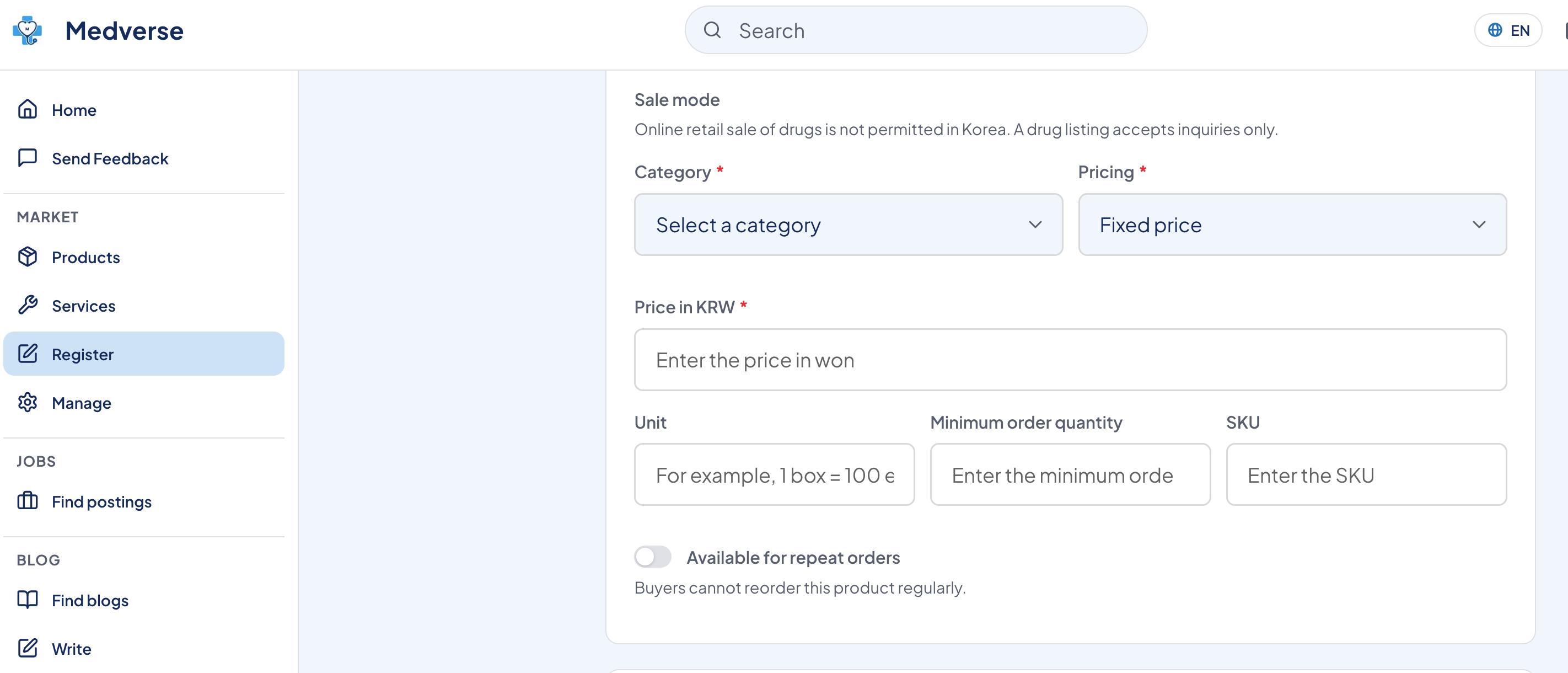
Step 3. Enter Insurance & Pricing Information
Insurance Coverage
Health Insurance Coverage (required) — Select coverage status (covered, non-covered, etc.)
Insurance Price Cap — Enter in units of 10,000 KRW
Sales Method & Pricing
Category (required) — Select the appropriate category
Price (required) — Select fixed price or price negotiable
Unit Price (required) — Enter price in KRW
Unit — e.g., 1 box = 100 units
Minimum Order Quantity — Enter the minimum order amount
SKU — Enter your SKU code
Allow Reorders — Toggle on if buyers can place recurring orders
💡 Since direct online retail sales of pharmaceuticals aren't permitted, enter a reference price and handle actual transactions through chat inquiries.
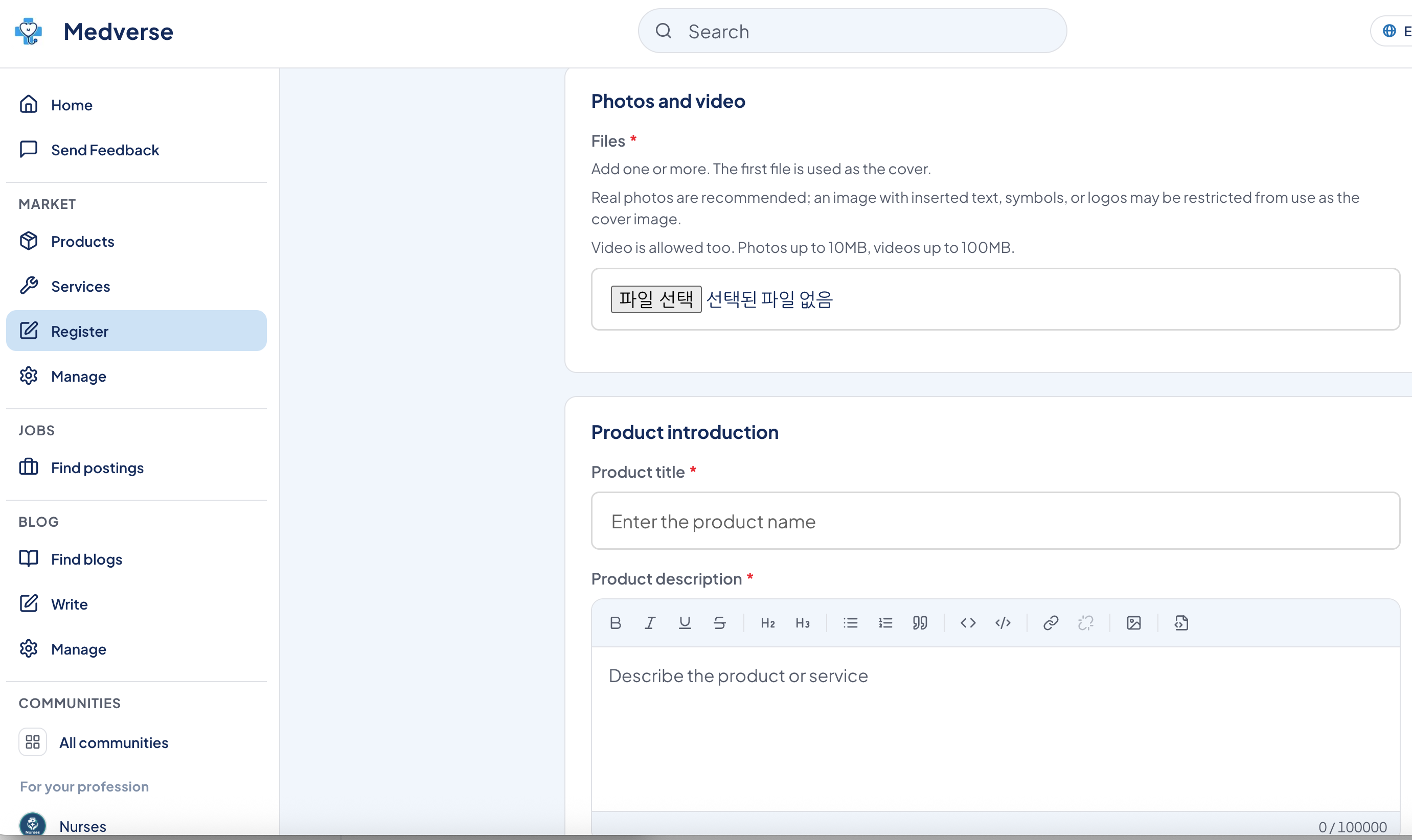
Step 4. Upload Photos & Write Your Product Description
This is the most important step — it's what determines your first impression!
Photos & Videos
At least 1 file required
The first file becomes your cover image — make it your best one!
Photos up to 10MB, videos up to 100MB
Images that are mostly text, symbols, or logos may be restricted as cover images
💡 Product photos, approval brochures, and clinical data images all help build trust with healthcare professionals!
Product Introduction
Title (required) — e.g., "OO Antihypertensive — Inquiries for Hospital & Pharmacy Supply"
Description (required) — Use the rich text editor with bold, lists, headers, and more
Great things to include in your description:
Active ingredient & dosage strength
Indications & efficacy
Dosage & administration
Key therapeutic areas
Clinical data summary
Supply regions & conditions
How to get in touch
The more specific you are, the more relevant inquiries you'll receive from doctors and pharmacists!
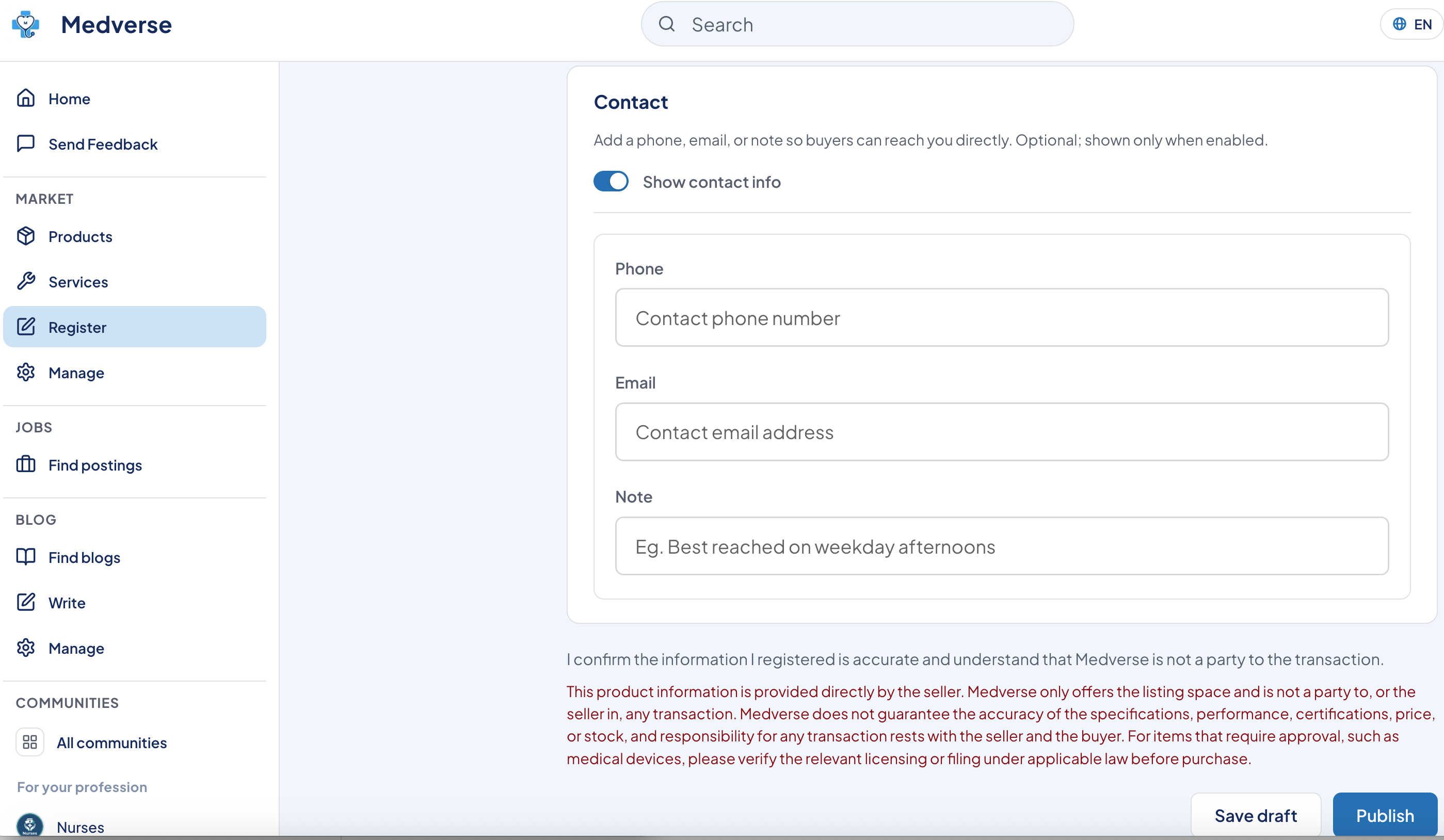
Step 5. Add Contact Info & Submit
Finally, fill in the Contact section:
Phone number (optional)
Email (optional)
Note — e.g., "Best reached on weekday afternoons"
Contact info is optional, but adding it means healthcare professionals can reach you directly in addition to using the chat feature.
Once everything's filled in, check the box confirming your information is accurate and that Medverse is not a party to any transaction, then hit Register!
Not ready? Hit Save as Draft and come back later.
⚠️ For medical devices and other items requiring regulatory approval, please verify applicable permits and registrations under relevant laws before purchase.
What Happens After You List — How Inquiries Come In
Once your listing goes live, it appears in the product marketplace immediately.
When an interested doctor, pharmacist, or hospital purchasing manager clicks "Chat to Inquire", a 1:1 chat starts instantly. The product is tagged in the conversation so you can see exactly which listing the inquiry came from.
Inbound inquiries without MR visits — once you experience it, you'll wonder why you didn't do this sooner 😊
Quick Summary
✅ Step 1 — Click Register in the left menu → Select Product ✅ Step 2 — Select Pharmaceutical → Fill in manufacturer, MFDS number, etc. ✅ Step 3 — Enter insurance coverage, category, price, unit, minimum order ✅ Step 4 — Upload product photos → Write title & description ✅ Step 5 — Add contact info → Hit Register! ✅ Inquiries come in via chat — respond instantly!
If you're a pharmaceutical company, drug wholesaler, or health supplement brand, now is the best time to get listed.
Listing is completely free during our beta phase, and as more healthcare professionals join, your exposure only grows. Early movers have the advantage — get in now!
Got questions? Drop them in the comments 😊
👉 Browse the Product Marketplace
Partnership & Listing Inquiries
Medverse PR Director: Migeum Bang Tel. 010-7469-0671 E-mail. support@medverse.com
#Medverse #medverse #pharmaceuticalmarketing #pharmamarketing #drugwholesaler #hospitalpharmacy #medicalsales #MRalternative #doctormarketing #pharmacistnetwork #healthcaremarketing #medicaldevice #hospitalB2B #pharmacyB2B #healthcareprofessional #pharmaceuticalsupply #clinicmarketing #drugmarketing #freelisting #healthcareplatform
More posts
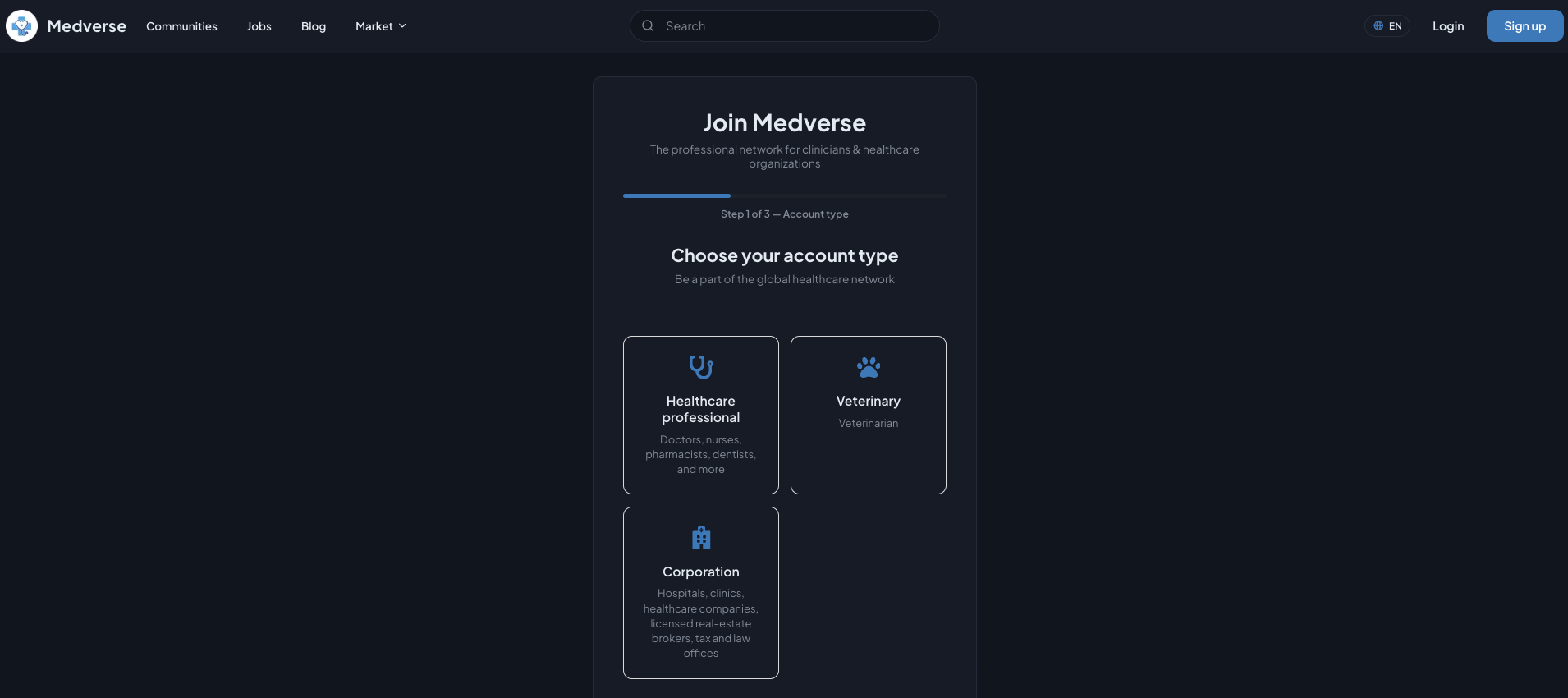
Medverse, All in One: Sign Up, List and Promote Your Products and Services, and Apply as a Partner
This guide walks you through the entire journey — joining Medverse as a partner, registering your products and services, and getting them in front of verifie...
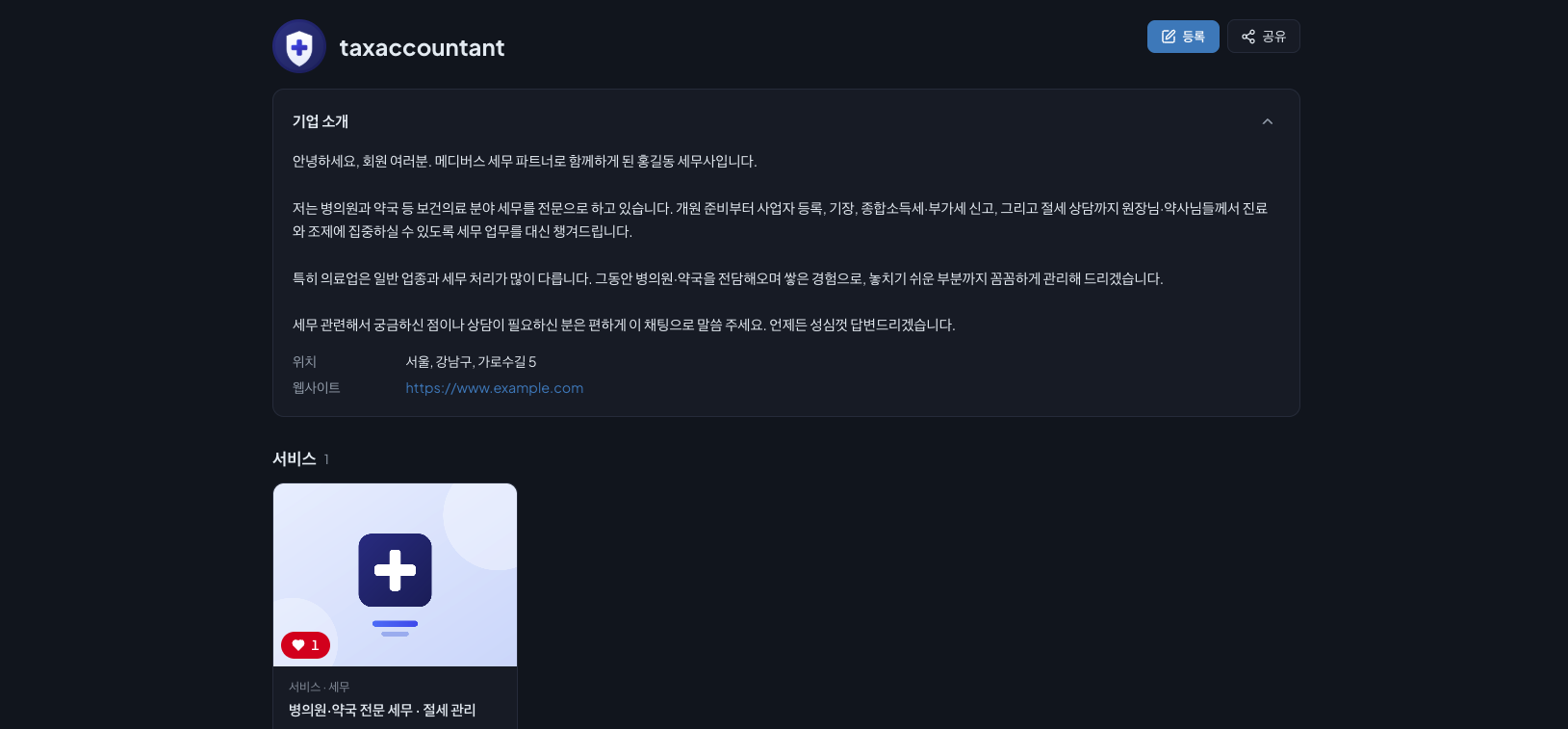
메디버스 가입부터 상품, 서비스 등록·홍보 그리고 제휴 파트너 신청까지 한 번에
이 글은 회원가입부터 전화번호와 사업자 인증, 회사 정보 입력, 서비스 등록, 커뮤니티 피드와 채팅방 홍보, 그리고 파트너스 등재까지 하나의 흐름으로 이어집니다. 여기서는 예시로 세무사가 가입하는 과정을 보여드립니다. 세무사는 세무와 절세 서비스를, 노무사는 노무 서비스를, 의료...
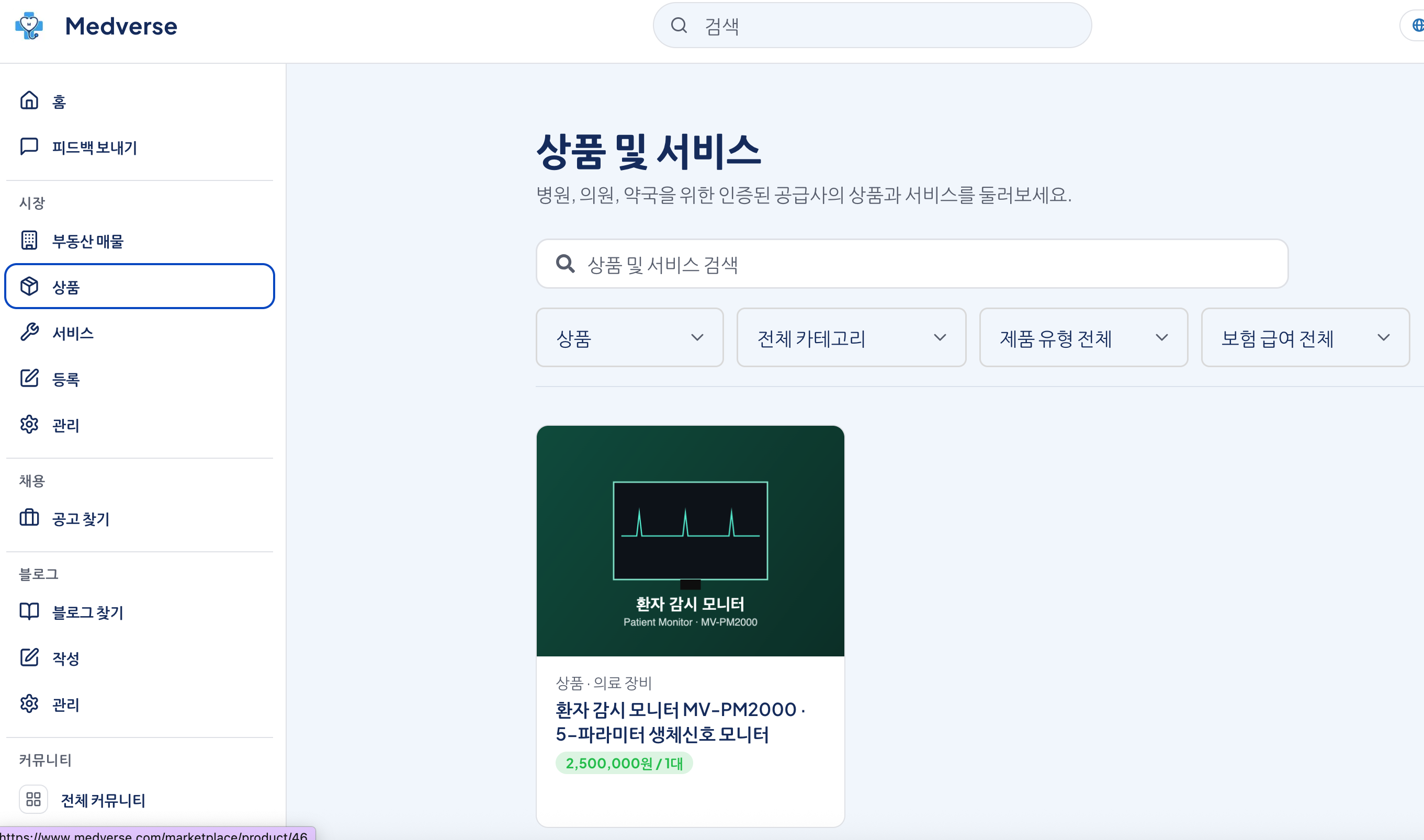
제약회사·약 도매상 필독! 의사·약사한테 직접 제품 홍보하는 법 — 메디버스 의약품 등록 완전 가이드 💊
안녕하세요! 오늘은 제약회사, 의약품 도매상, 건강기능식품 회사처럼 병원·의원·약국에 제품을 홍보하고 싶은 분들한테 딱 맞는 정보 가져왔어요. MR이 병원 일일이 방문하거나, 학회 광고 비용 쓰지 않아도 검증된 의사·약사한테 직접 제품 정보를 전달하는 방법이 있거든요. 바로 의...
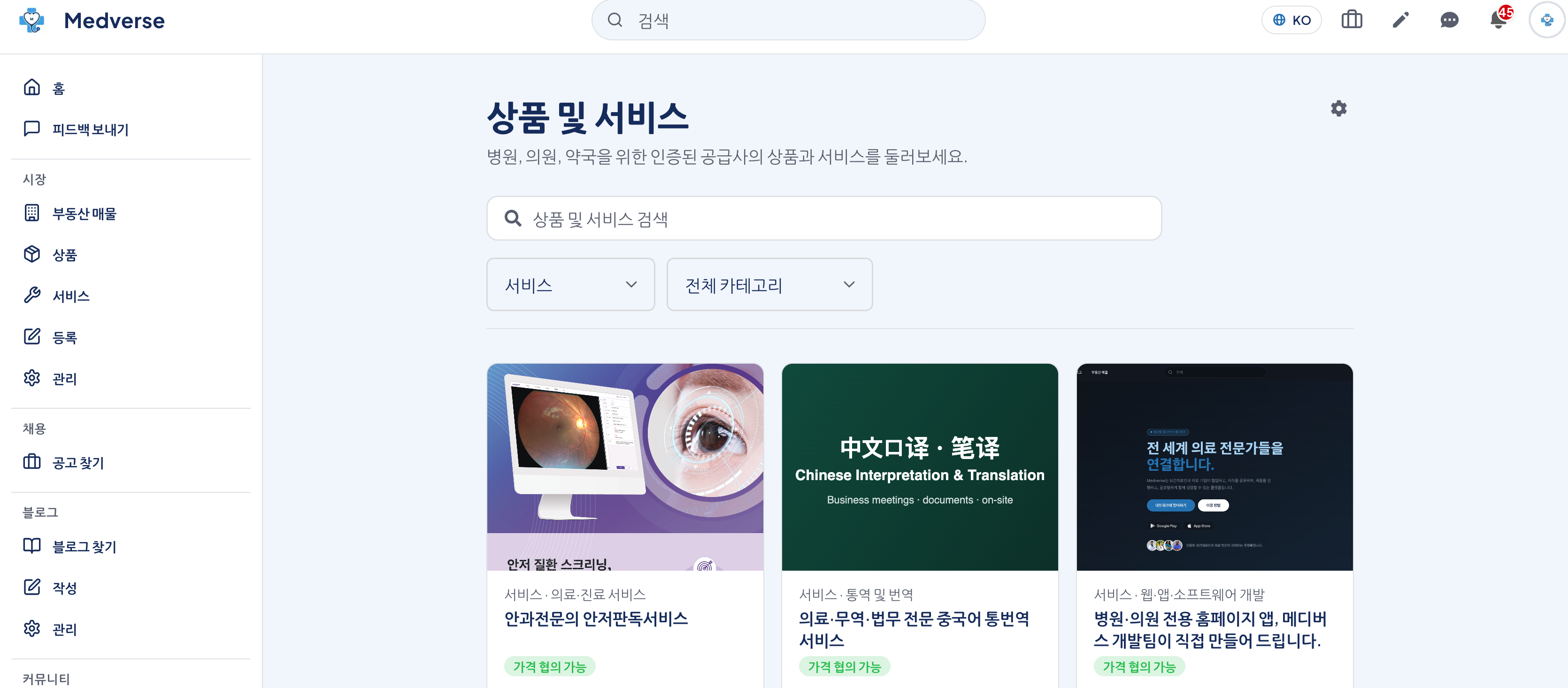
의료기기·서비스 홍보하는 법 — 메디버스 서비스 등록 가이드
안녕하세요! 오늘은 의료기기, 헬스케어 서비스, 의료 소프트웨어 등을 병원·의원·약국에 홍보하고 싶으신 분들한테 딱 맞는 정보 가져왔어요. 영업사원이 병원 일일이 방문하거나, 학회 광고 비용 쓰지 않아도 검증된 의료인한테 직접 닿는 방법이 있거든요. 바로 의료인 전용 플랫폼 메...
Medverse — the platform for every healthcare professional. Start free today at medverse.com
Why Medverse — Healthcare Isn't Done by Clinicians Alone ## Why We Started Medverse What we set out to build is simple: one place where healthcare professi...
모든 보건의료인을 위한 플랫폼, 메디버스 - 지금 medverse.com에서 무료로 시작하세요
왜 메디버스인가 — 의료는 보건의료인 혼자 하는 일이 아닙니다 ## 메디버스를 시작한 이유 저희가 만들고 싶었던 건 단순합니다. 보건의료인, 의료법인과 기관, 그리고 그들을 둘러싼 사람들 — 공인중개사부터 제약회사, 개발자까지 — 이 한자리에서 서로 소통하는 공간. 그런데 막...